Manage LazyBackup with MCP
Point Cursor, Claude, or any MCP client at your self-hosted LazyBackup instance—API tokens, /mcp, and one-click install.
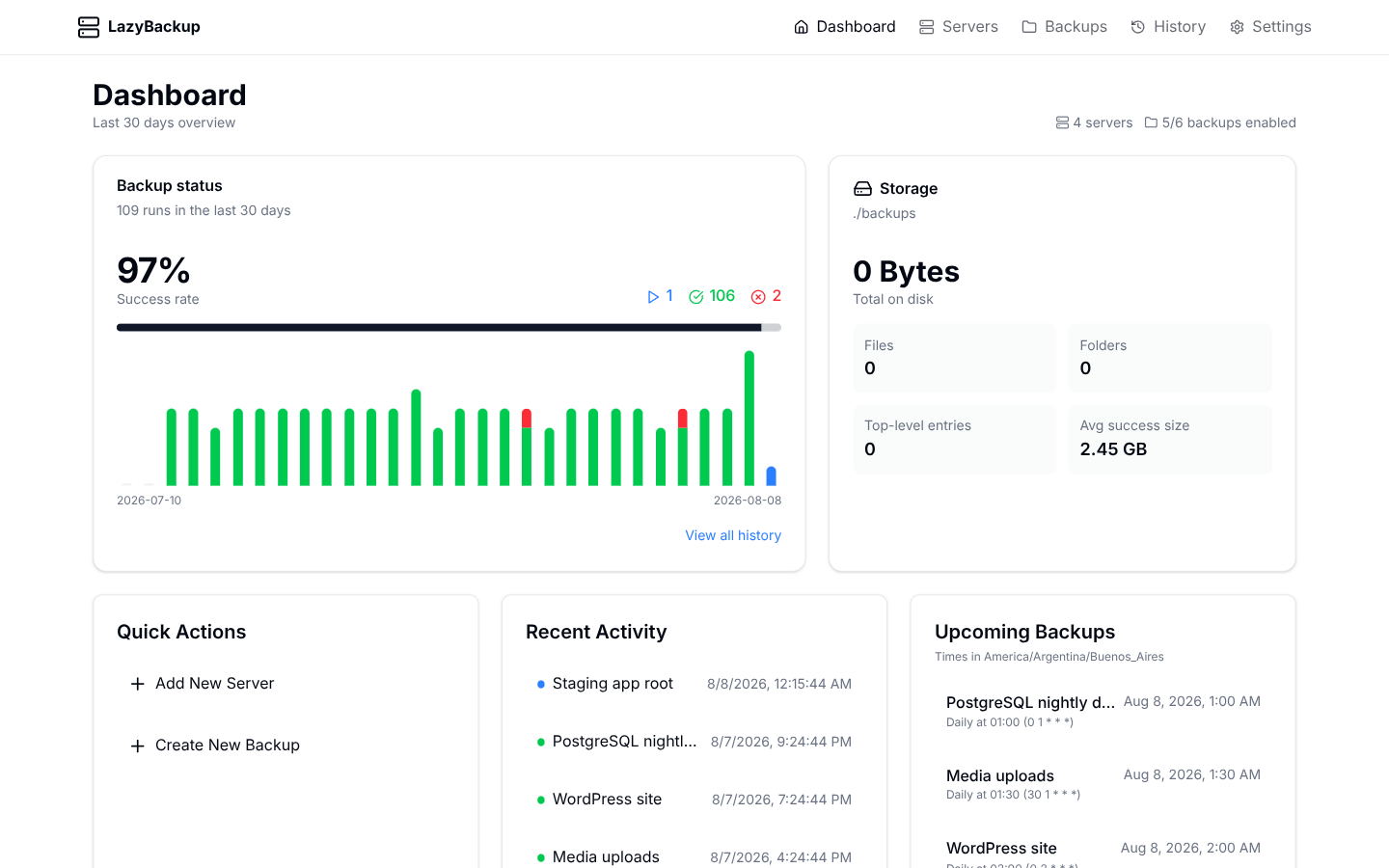
LazyBackup already runs where you want it—home lab, VPS, or a spare box on the LAN. The new piece is letting your coding agent talk to that instance the same way you do in the UI: list jobs, kick a run, tweak a schedule, check history.
That’s what MCP (Model Context Protocol) is for. LazyBackup exposes a Streamable HTTP endpoint at /mcp on the same app. No separate agent on every VPS, no local bridge process you have to keep updated—just URL + token.
Create a token
- Enable an app password (recommended) so the UI and API aren’t open on the network.
- Open Settings → API / MCP.
- Create a token, copy it immediately—plaintext is shown once.
- Revoke anytime from the same list if a laptop or agent is gone.
Tokens default to write access (same gate as a logged-in session), minus remote shell unless you opt in to remote_exec. A read_only token may inspect, validate_backup, and test_*—it cannot mutate. Treat write tokens like the app password. Prefer HTTPS, or keep the instance on a trusted LAN.
One-click install
After you create a token, LazyBackup builds client-specific install helpers from your current origin:
- Add to Cursor — official deeplink that opens an install confirm with url + Authorization header
- Add to VS Code — vscode:mcp/install link
- Copy mcp.json — generic config for any client
- Copy Claude config — paste into Connectors / desktop config
- Copy Claude Code CLI — claude mcp add --transport http …
{
  "mcpServers": {
    "lazybackup": {
      "url": "https://your-host/mcp",
      "headers": {
        "Authorization": "Bearer lb_…"
      }
    }
  }
}
What the agent can do
Tools are curated for agents—not a raw dump of every REST route. Descriptions encode From → To rules (path, Docker volume, database; local / server / S3).
- Inspect: list_backups, get_backup, list_history, get_dashboard, get_status, list_servers, list_s3_profiles
- Probe: validate_backup, test_server, test_database (allowed for read_only tokens)
- Operate: run_backup, toggle_backup
- Manage: create_backup, update_backup, create_server, update_server
- Destructive (need confirm=true): delete_backup, delete_server, restore_history
Secrets (SSH keys, DB passwords, S3 secrets) are redacted in responses. History logs are truncated so the model isn’t buried in rsync noise. Token use bumps last-used time and writes an audit row—enough to answer “what did the agent do?”
A prompt that works
List my LazyBackup jobs and run the one named "WordPress site" if it isn’t already running.
If anything failed in the last day, summarize the error from history.
Or: “Add a nightly database dump from server X to this host under /backups/app-db”—then review the create_backup payload before you let it confirm anything destructive.
Security notes
- App password locks the browser UI; API tokens are for machines.
- Token management itself requires a session cookie—Bearer tokens cannot mint new tokens.
- If you skip the app password, /mcp is open like the rest of the API—fine on localhost, risky on a public VPS.